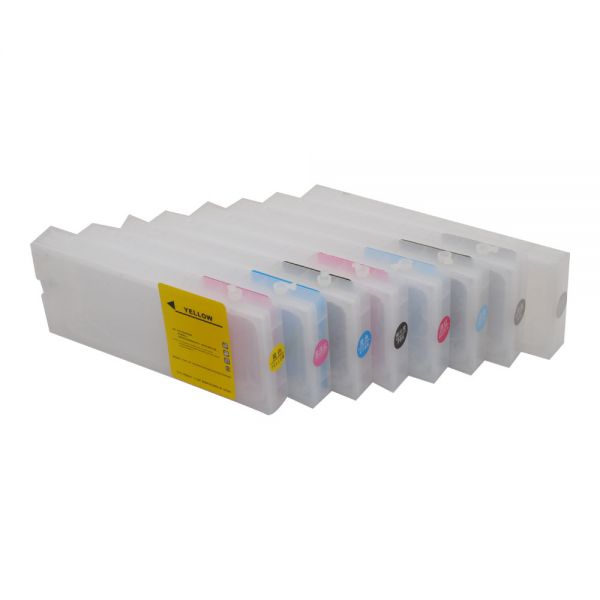
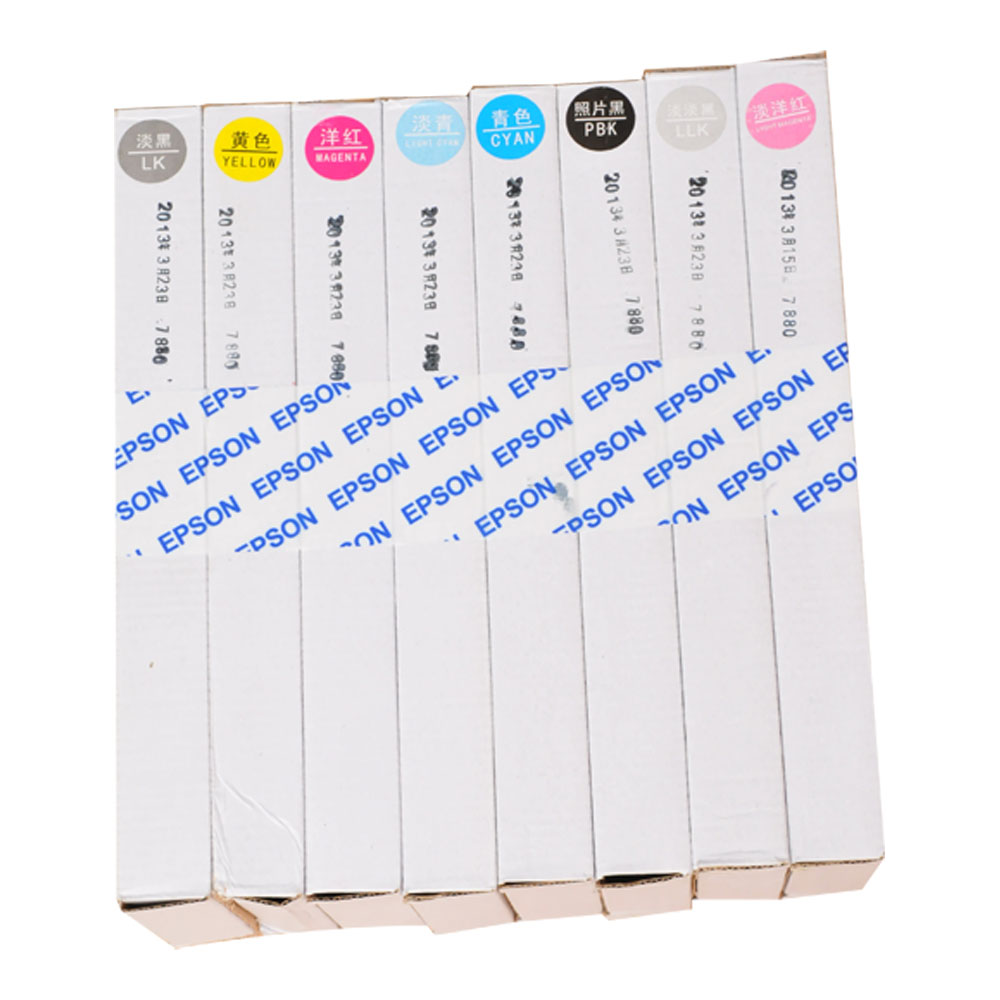
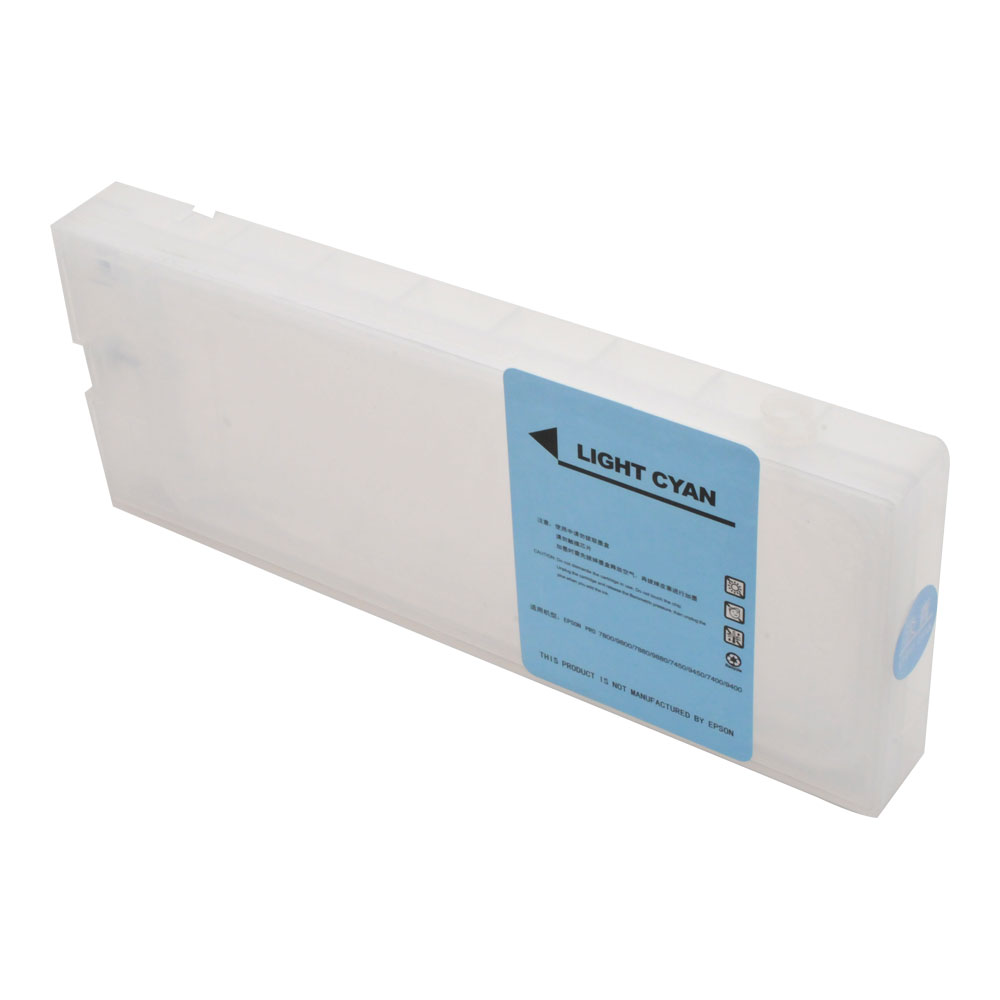
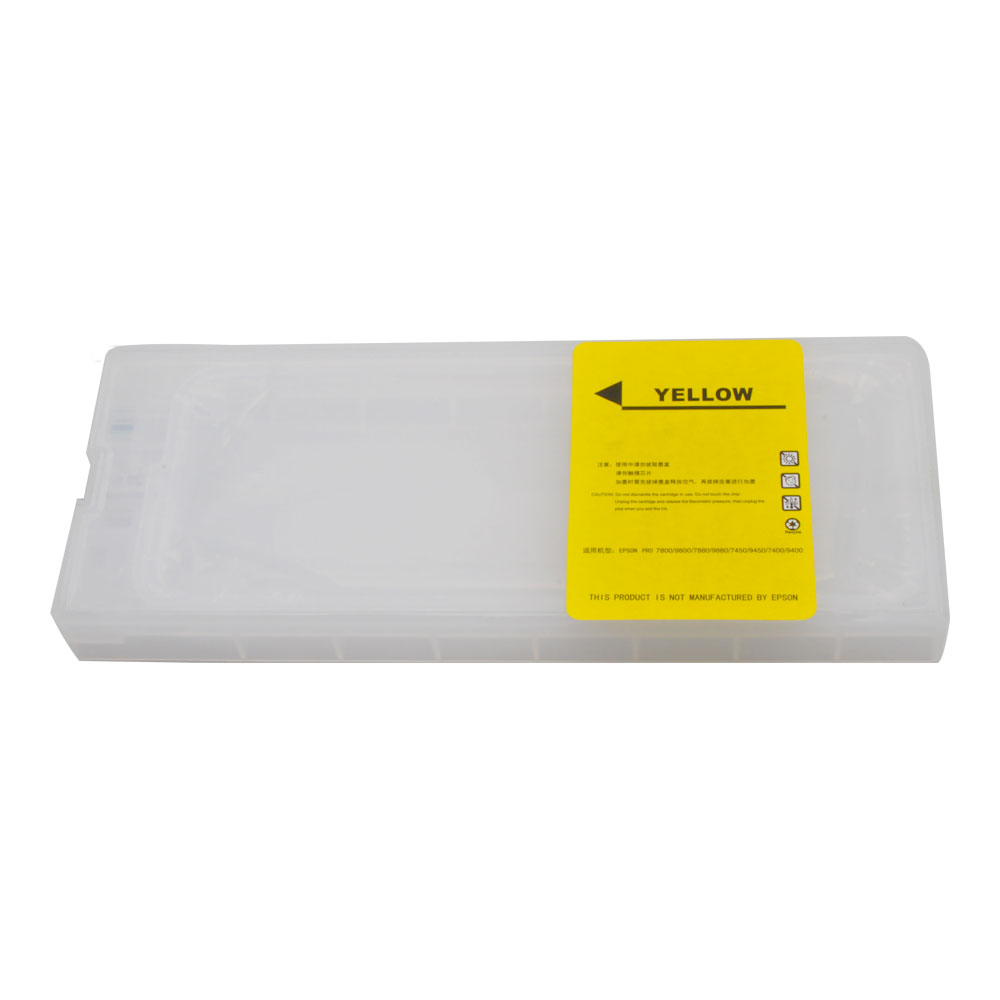
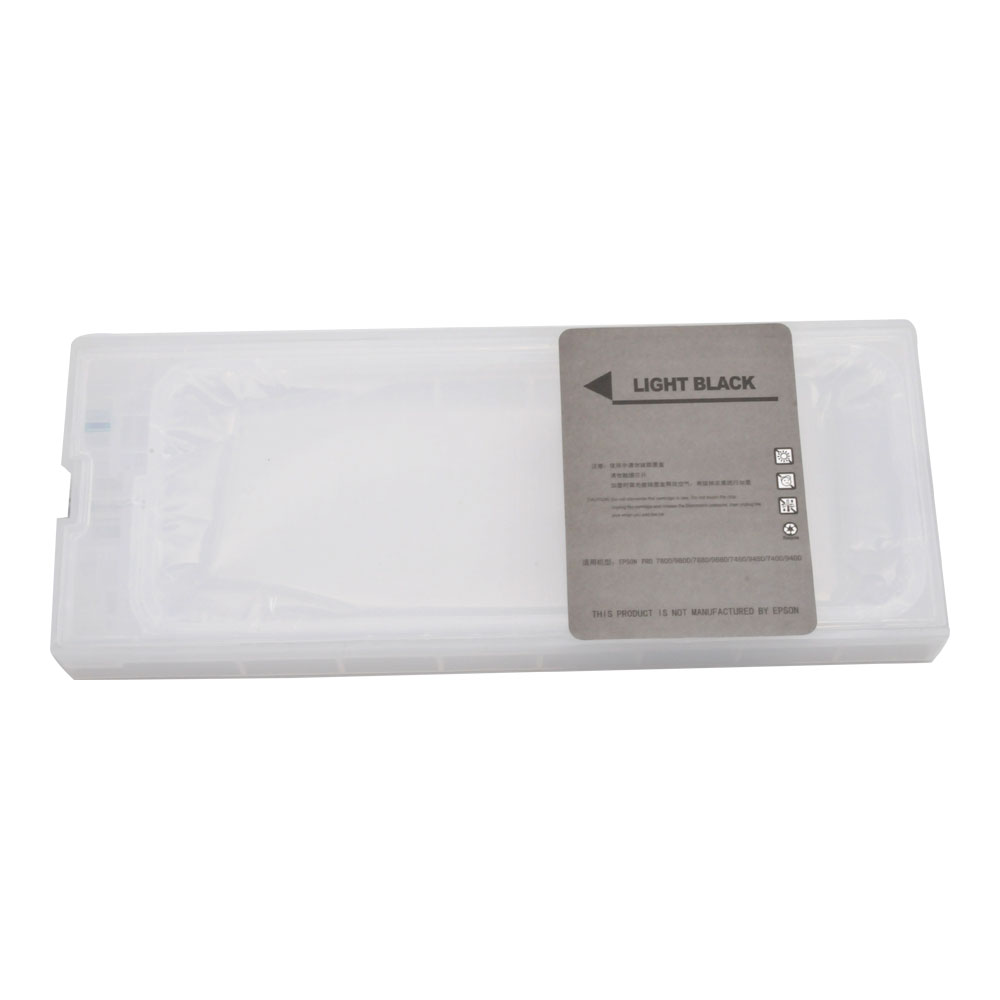
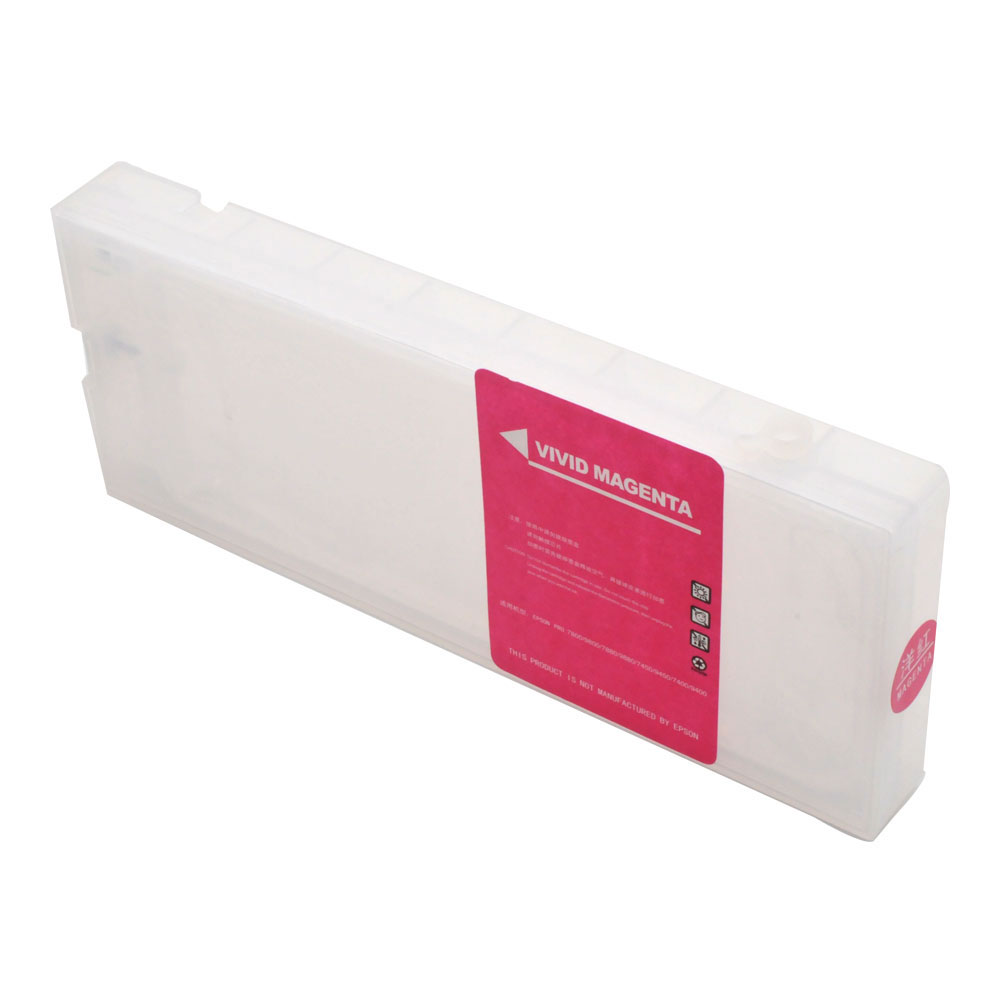
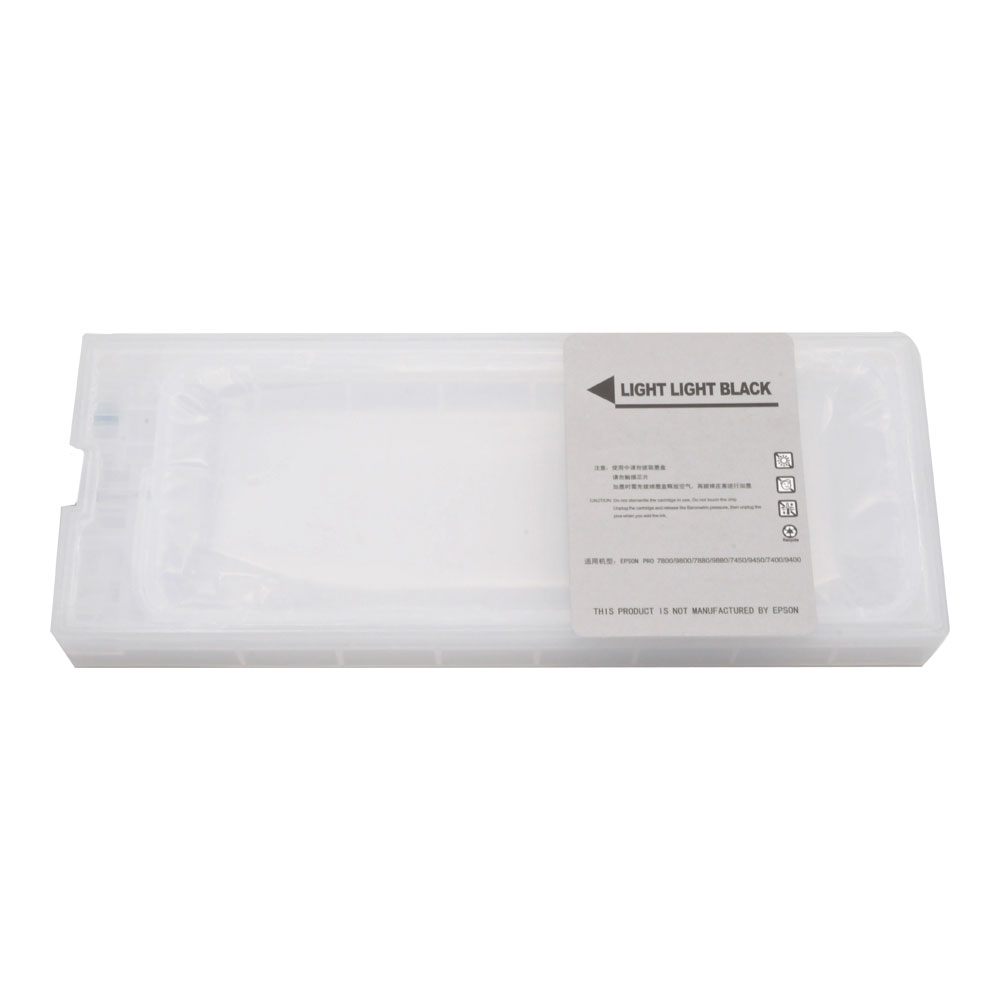
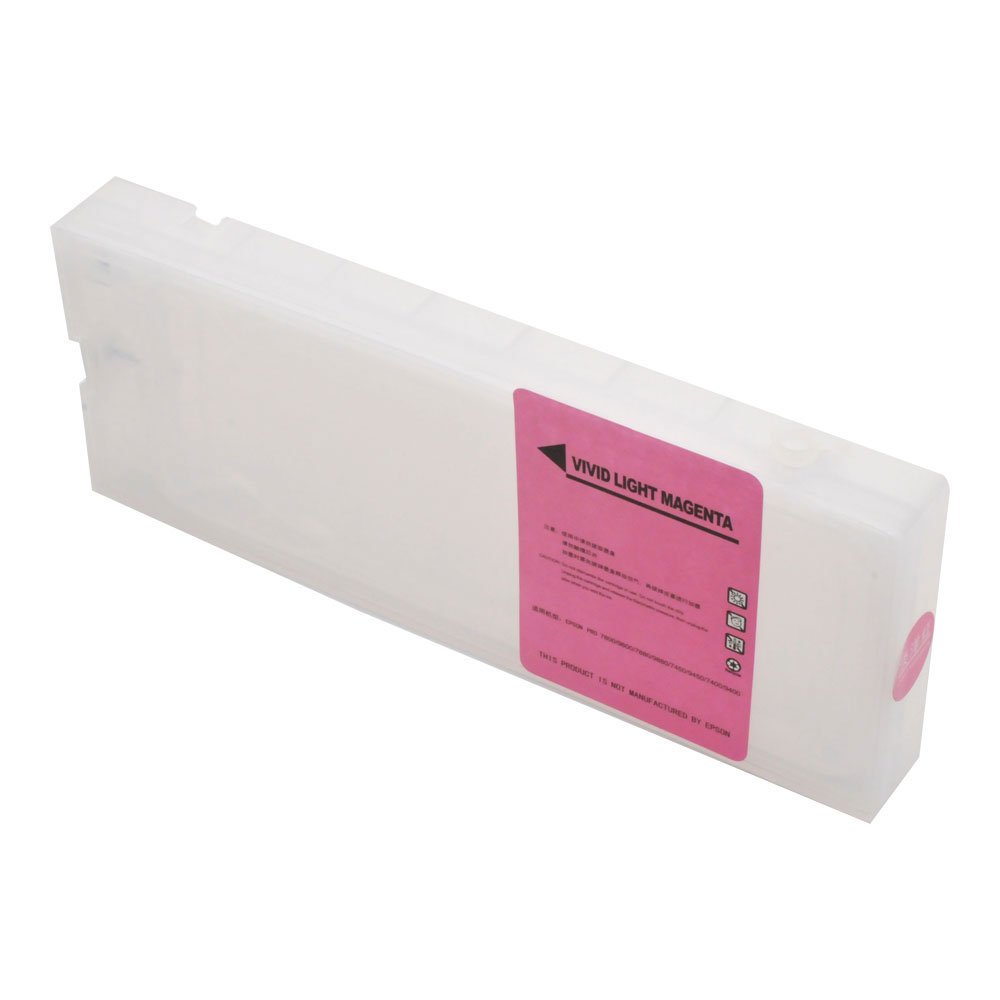
Epson Stylus Pro 7800 / 9800 Refilling Cartridge(400ml) 8pcs / set, with 4 Funnels
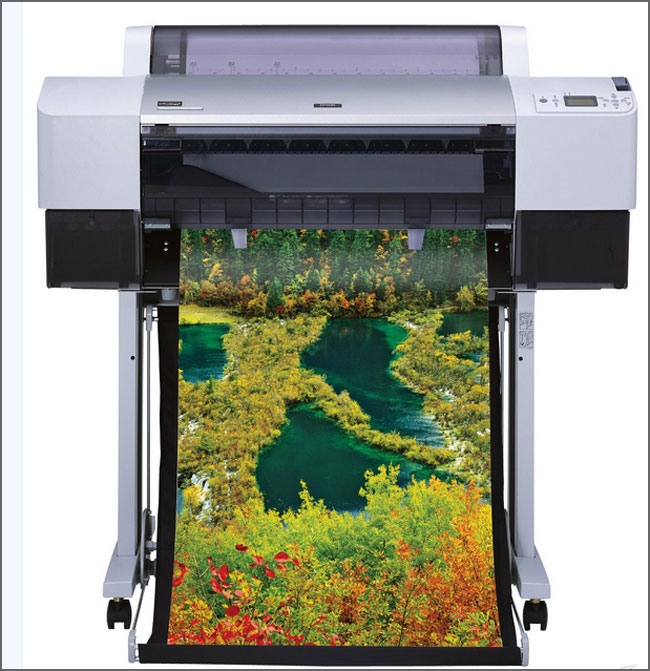
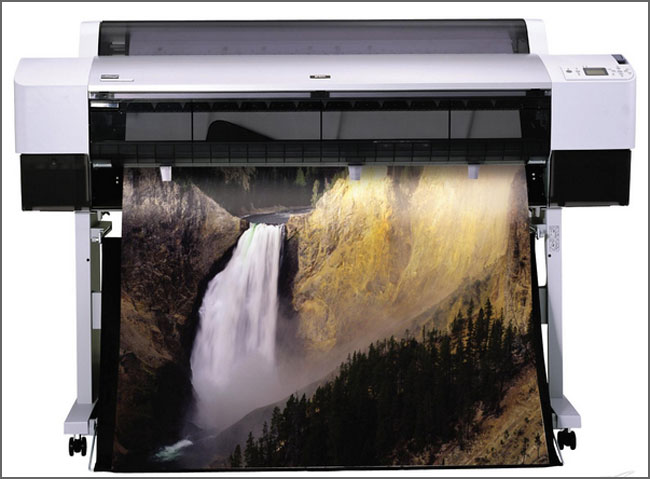
To be used with: Epson Stylus Pro 7800/9800
Volume: 400ml
cartridge size: 250mm*25mm*100mm (9.9"*1.0"*3.9")/pc
Net Weight: 168g/pc
Packing size: 290mm*260mm*120mm(11.4"*10.2"*4.7")/set
Gross Weight: 1680g/set


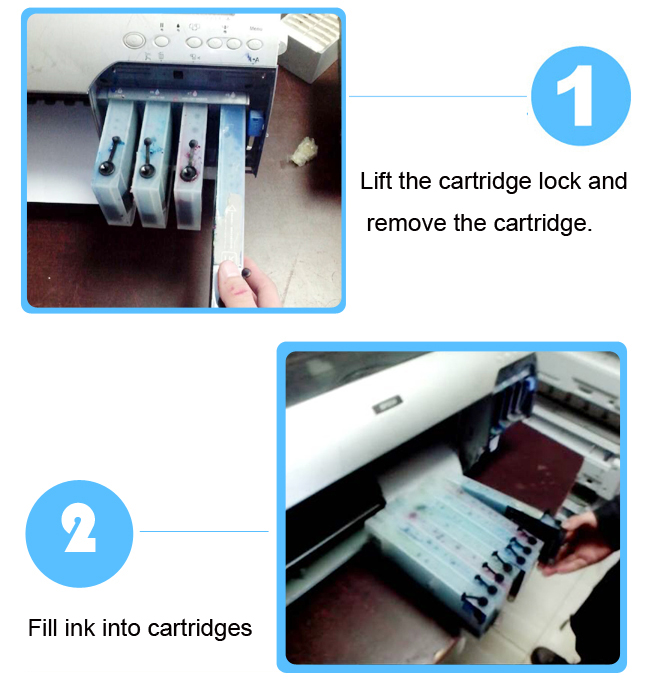
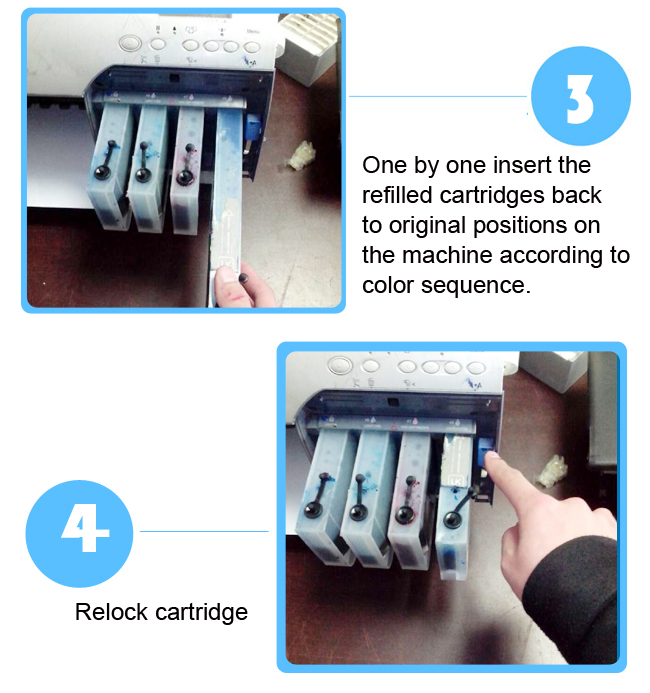

Method of Application:
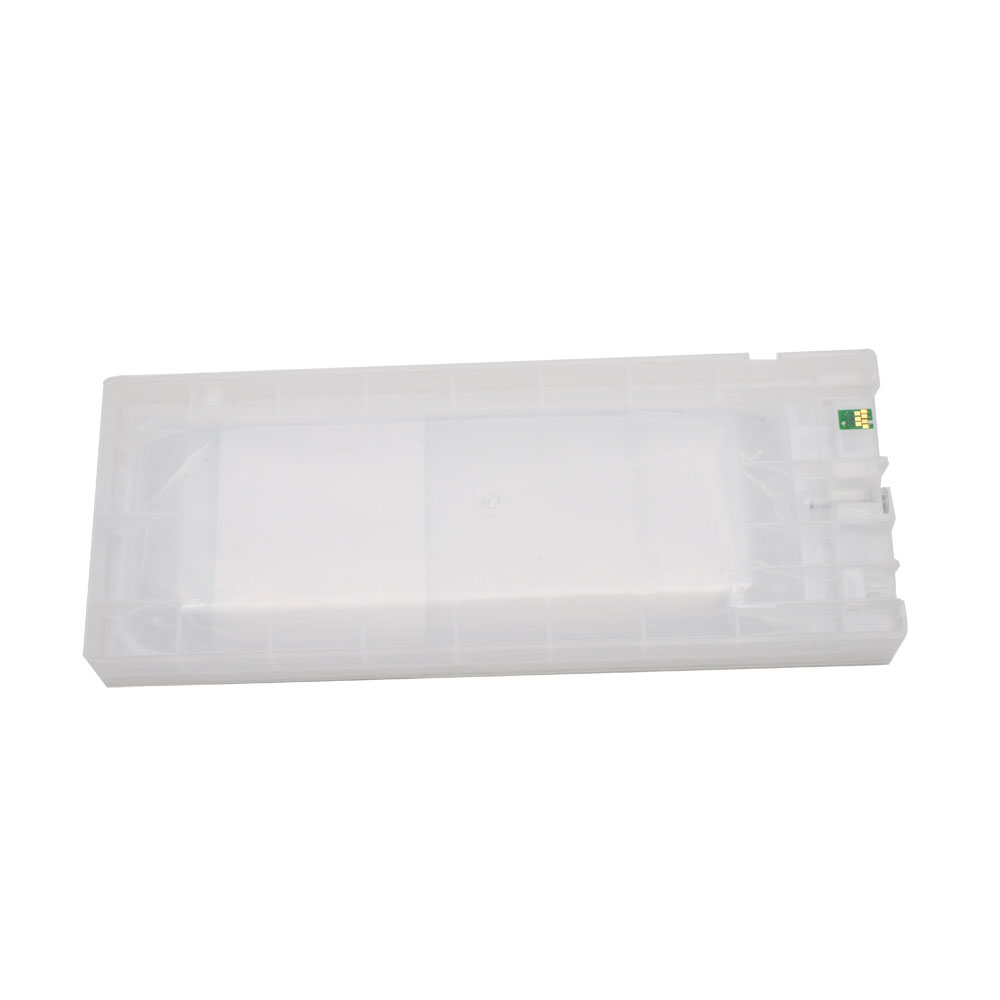
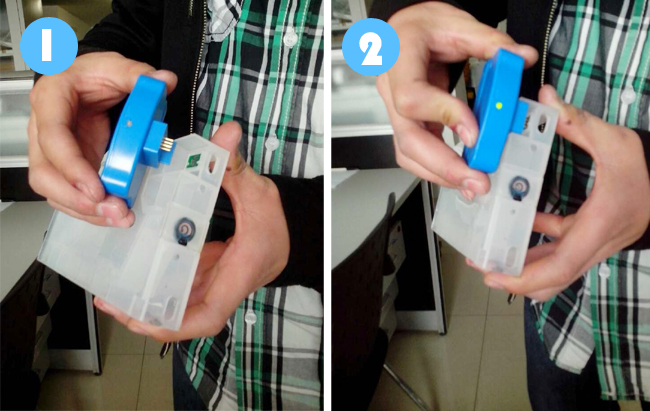
1. Fit the chip to the groove of chip resetter, and enable the probe of chip resetter contacts the contactor of the chips.
2. Press the 2 components together. If the red light gleams, it means the connection is fine.
3. Five seconds later, the red light turns to green, and it indicates the chip data has been refreshed.
Please do as follows when using the chip:
• The printer shows NON-GENUINE when you install the cartridge, now please press direction keys on the panel <、∨、>, to choose ACPT



• Afterabove operation, printer will do the cleaning and recognize these chips. Theprinter screen shows READY. The cartridge is empty and the ink capacity incomputer drive software is grey.

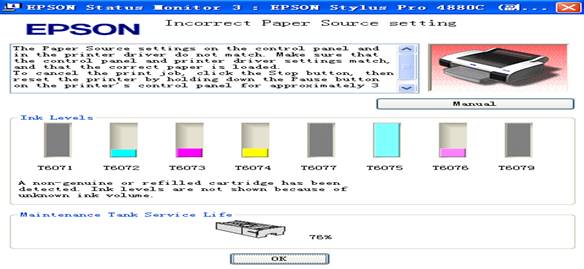
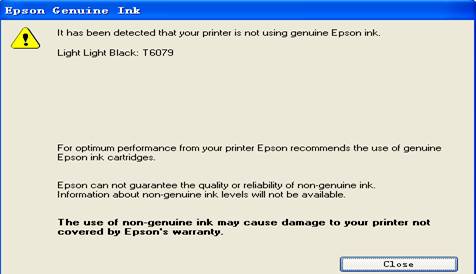
• The printer will warn that it is not using genuine Epson ink. Please close the message box and then the printer can begin work.
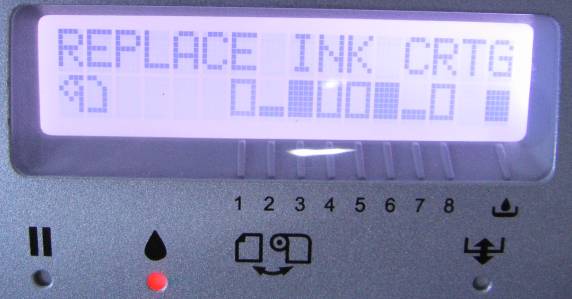
• The chip will not indicate the real-time ink consumption. When it runs to the assumed ink limit, the relative Ink-out area blinks and the panel shows REPLACE INK CRTG. A chip resetter is needed to make the chip reuse.
Remarks:
1. The above operation is to skip the warning of “NON GENUINE”.
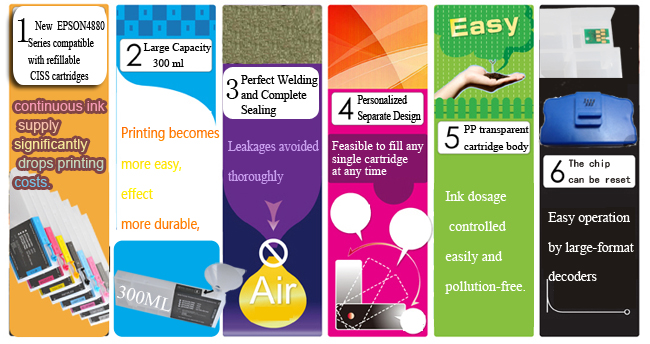
2. OEM cartridges do not indicate the remainingof the ink on the panel. But users can see it directly though the transparent PP body.